
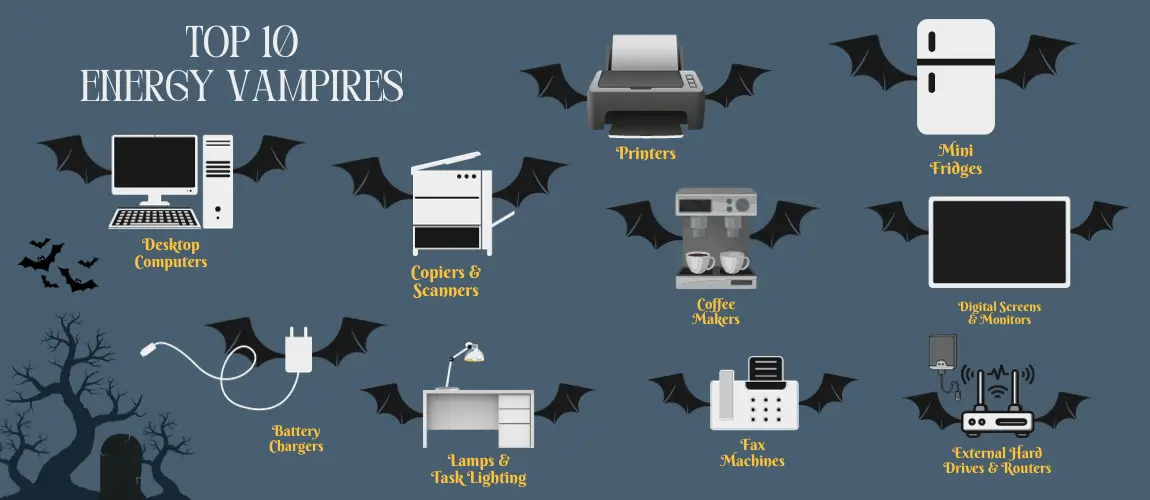
Top 10 Energy Vampires in Your Home (And How to Stop Them)
Your cable box or DVR can draw 20–30 watts all day—more when you’re asleep than when you’re watching. That’s phantom load: devices that never really turn off. The DOE and Lawrence Berkeley Lab put standby power at roughly 5–10% of residential use. A few changes can trim that slice and save real money.
What Are Energy Vampires?
Appliances and electronics that pull power 24/7—for clocks, remotes, or “instant on”—even when you think they’re off.
The Top 10 Offenders
1. Set-Top Boxes / DVRs
The worst offender. Can use 20-30W just sitting there waiting to record.
2. Video Game Consoles
"Instant On" modes keep the console running almost full power to download updates.
3. Smart TVs
Always listening for "Alexa" or "Hey Google" commands.
4. Computers in Sleep Mode
Desktops are worse than laptops. Screensavers don't save energy!
5. Coffee Makers
That digital clock display uses power all day long.
6. Microwaves: The clock again. It often uses more power in a year to run the clock than to cook food.
7. Phone Chargers: Even if no phone is plugged in, the transformer block sips a tiny amount of power.
8. Printers: Wi-Fi enabled printers stay online 24/7.
9. Sound Bars / Surround Sound: Waiting for the TV to turn them on.
10. Smart Speakers: Echo/Google Home devices are always listening.
How to Stop Them (Step-by-Step)
1. Use Smart Power Strips
This is the easiest fix. Smart strips have a "control" outlet (for your TV or PC). When that device turns off, the strip automatically cuts power to the "peripheral" outlets (DVD player, speakers, monitor), killing the vampires instantly.
2. Unplug Rarely Used Devices
Do you have a TV in the guest room that's used twice a year? Unplug it. The VCR you haven't touched since 2010? Unplug it.
3. Change Settings
Switch from "Instant On" to "Energy Saving" mode. It takes 30 seconds longer to boot, but saves $20/year.
Key Features of Energy-Efficient Habits
Just knowing which devices are hungry helps you make better choices.